


👋 Get weekly insights, tools, and templates to help you build and scale design systems. More: Design Tokens Mastery Course / YouTube / My Linkedin
Wow, what a week of AI releases! First Claude Design and Opus 4.7, then Image 2 and GPT 5.5 model. I have been using and comparing all of them since launch.
Anthropic is building the AI-native version of the entire knowledge-worker stack. Claude Code for engineering. Claude Cowork for the rest of your job. Claude Design for anything visual. Opus 4.7 underneath all of it.
OpenAI shipped the response in the same week. GPT 5.5 for reasoning and long agentic work, easy to talk to, and detailed when the answer lands. ChatGPT Images 2.0 for generating images. I feel like everything is possible. I’m impressed.
Let’s start with Anthropic.
Opus 4.7: the model underneath
Whenever a new model comes out, I run the same tasks to see what has improved. With this model, I can say that at the start, the model felt faster than 4.6. But 2 days ago, Anthropic admitted that Opus 4.6 was made slower in March.


(jokes aside…)
After a few days of testing, Opus 4.7 is the first Claude release I cannot call a major upgrade. On design work specifically, it treats each screen as a fresh problem. Ask it to extend an existing pattern, and it forgets the pattern exists two steps later. It does not connect things.
The individual design suggestions are often better than what 4.6 gave me. But then again, not repeatable without additional instructions. I can run the same prompt twice on 4.7 and get two different directions, neither of which builds on the last. 4.6 was less ambitious per shot, but I could compound it. 4.7 needs more guidance, in every single prompt, to stay on track.
In practice it means you have to tell 4.7 exactly what you need, where it needs to connect in the existing system, and what the goal is. No shortcuts. No “you know what I mean.” Every prompt has to carry its own context.
Which is, conveniently, the argument I have been making for months in code is cheap, understanding is not and The Self-Healing Design System. AI agents get better the more structured context you feed them. 4.7 just turned that from a suggestion into a requirement. If your design system is not yet machine-readable, with tokens, component definitions, and written decisions the model can actually parse, 4.7 will feel punishing. If it is, 4.7 is the first model that actually rewards the investment.
Coding wins across every Anthropic benchmark (CursorBench, Rakuten-SWE-Bench, their internal 93-task eval, Databricks OfficeQA Pro).
A reasoning regression on NYT Connections: 94.7% down to 41.0%. A 53-point drop is not a rounding error.
Stricter instruction-following. Per Anthropic’s migration guide: “4.7 takes the instructions literally and will not silently generalize.”
Price stays flat at $5 per million input tokens and $25 per million output tokens.
Effective cost is slightly up because the new tokenizer consumes 1.0 to 1.35 times more tokens per input.
Plus, two new features →
Adaptive thinking replaces fixed thinking budgets. Set
thinking: {type: 'adaptive'}and the model picks depth per sub-task.Extra high effort (
xhigh) is a new tier between high and max. Many of the “Opus 4.7 is slow” complaints come from people reflexively maxing out effort. xhigh is usually the right answer.
My working rule. If you are on Pro and you are not doing engineering-grade work, default to Opus 4.6 for chat, Opus 4.7 only where reasoning depth pays for itself. For design-system work, Opus 4.7 is worth it, but only if you write precise prompts and use plan mode before execution. The best combo right now is Opus 4.7 for planning and then using GPT 5.5. (More about this below).
Claude Design: where your design system actually goes next
Claude Design, launched April 17, 2026, as a research preview. Anthropic’s own case studies claim that the final project is done with way fewer prompts.
Figma’s valuation dropped around $730M (4.26%) on the day Claude Design launched. Anthropic’s CPO resigned from Figma’s board three days before the announcement.
It is by far the easiest tool to pick up if you are new to AI. It is also a research preview with real gaps.
Here is what it actually does.
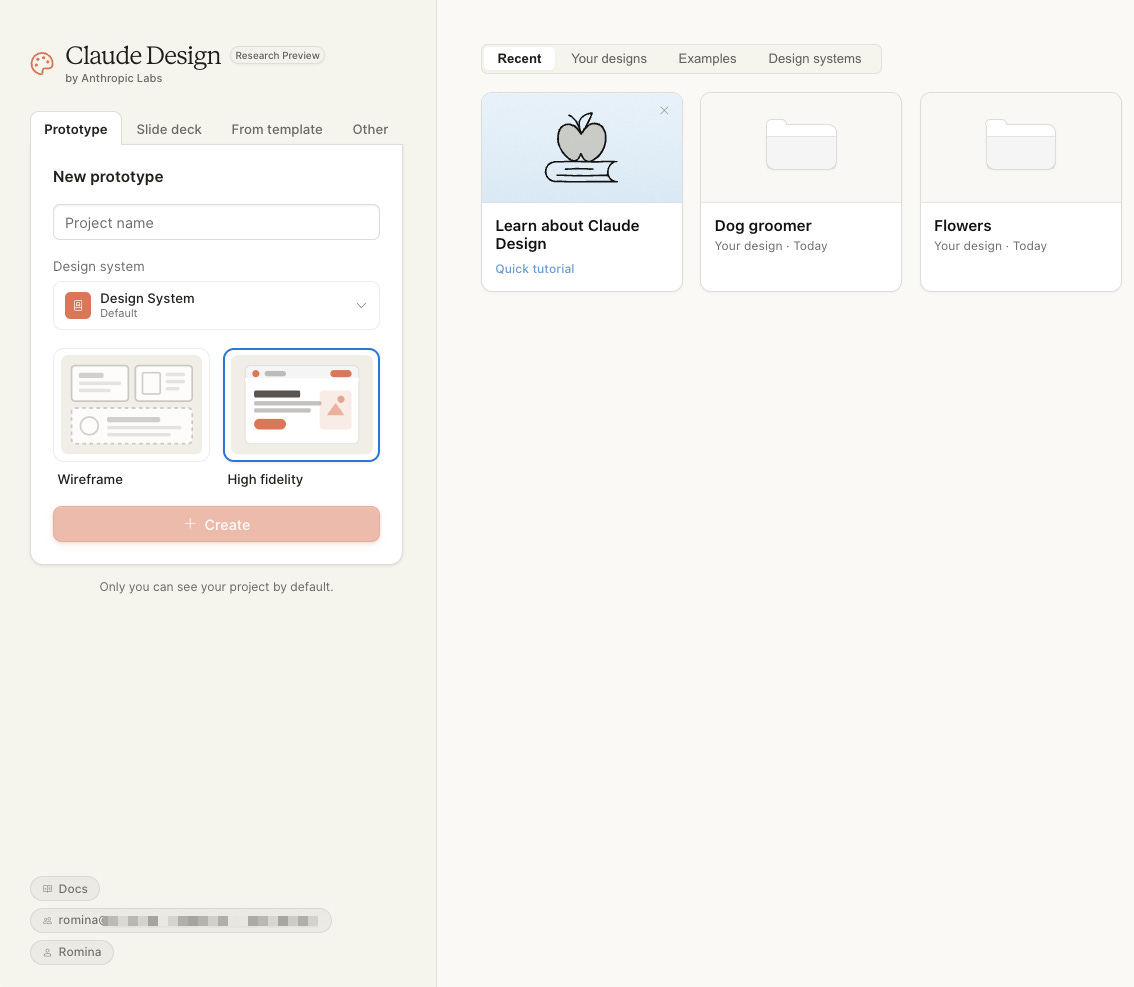
The interface.
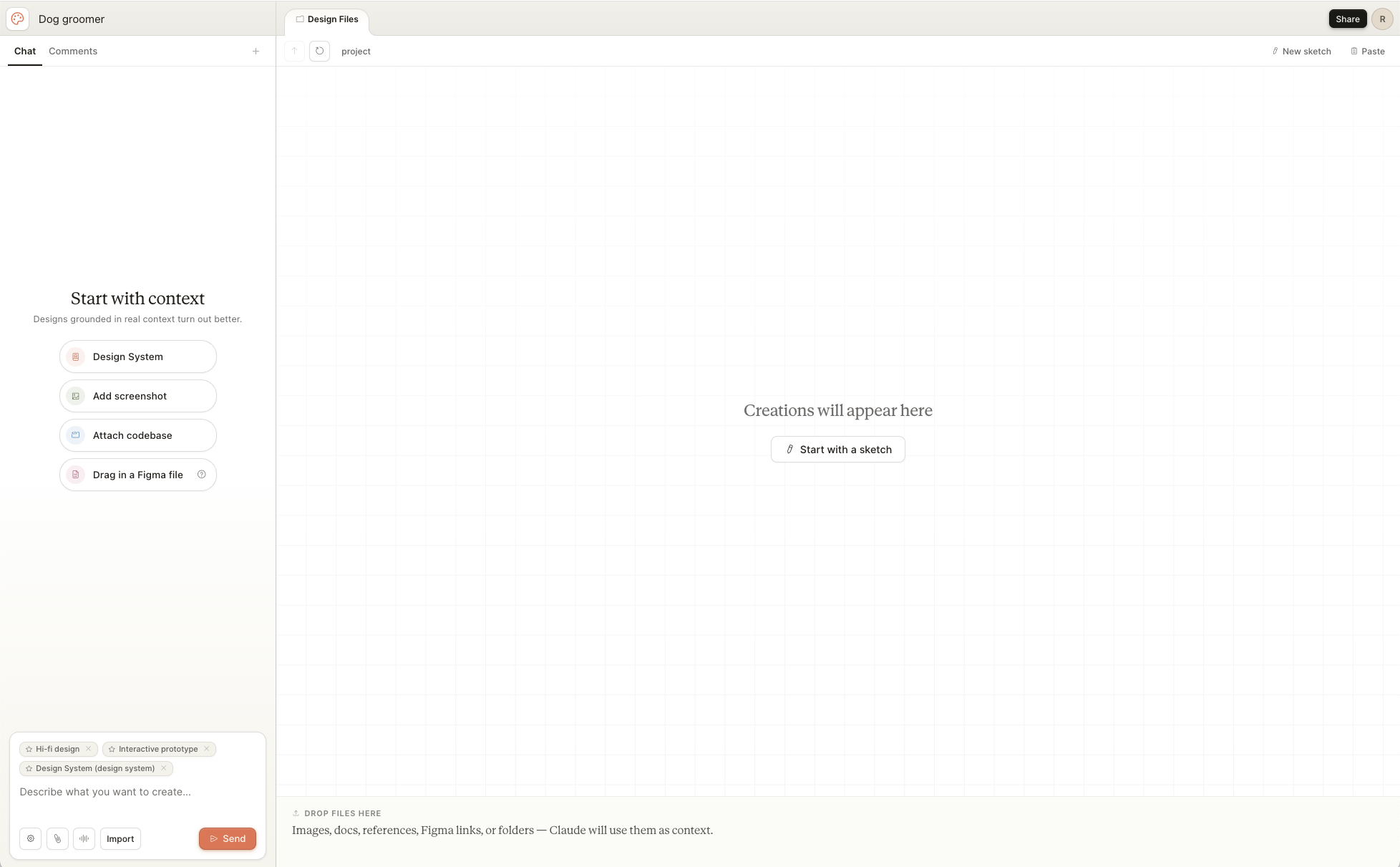
Four starting templates: Prototype, Pitch Deck, From Template, and Design System.
Six inputs: images, text, codebase links, document uploads, web captures, saved design systems.
Four refinement tools: inline comments on elements, direct text editing, tweak sliders (colors, spacing, typography), and global design changes via chat. Export to PDF, PPTX, HTML, and Claude Code. (Export to Canva is listed on the page. It does not yet work.)
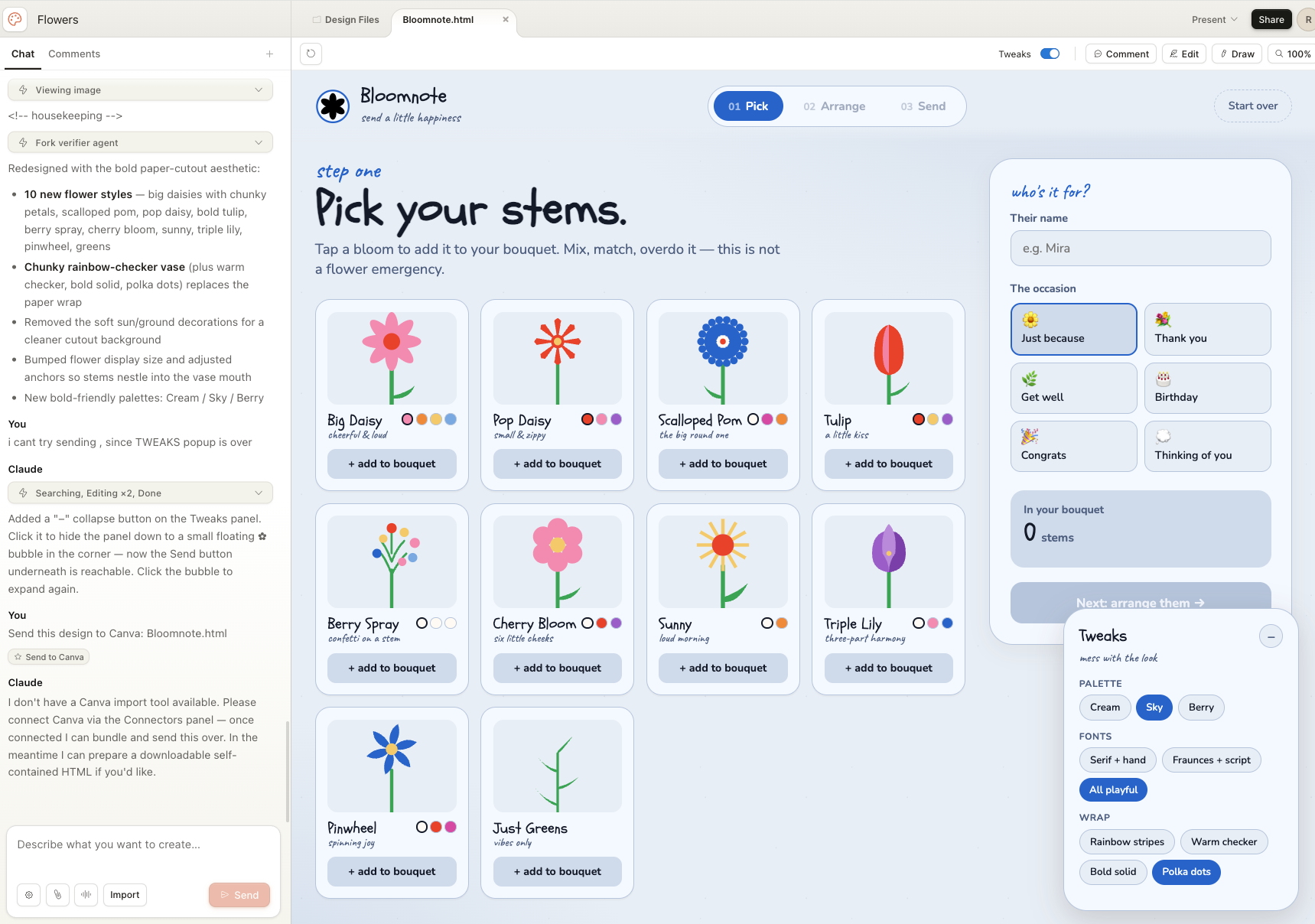
The workflow that matters to most.
Upload your design system, either as a Figma file, a GitHub repo, or a DESIGN.md file. Claude Design generates new work that respects your tokens. There is already a free repository at getdesign.md with DESIGN.md files for brands like Mastercard, Airbnb, and Ferrari. That tells you where this is heading.
I fed it our UI kit. It took around 10 minutes and burned a lot of tokens. The output was different from what I got piping Figma through MCP into Claude Code which surprised me. You see a preview of the interactive components immediately, and they are somewhat real. I would put them at around 70% Figma to code parity.
Compared to Figma Make, the gap is not subtle. Claude Design is faster, the range of outputs is wider, and the starting options are way more useful (also compared to Lovable, v0, ….).
Figma Make runs on Sonnet 4.5. Claude Design runs on Opus 4.7, with vision at 2,576 pixels and 3.75 megapixels, roughly three times the resolution of previous Claude models. The tool Figma is paying Anthropic to host is running on the slower, lower-vision model. The tool Anthropic ships directly is on the flagship.
Figma Make gives you a handful of layout variations inside the Figma canvas. Claude Design generates interactive pages, animated videos, pitch decks, mobile apps, and a first-draft design system in the same few minutes, and exports to HTML, PDF, or PPTX, or hands off directly to Claude Code.
If you are using Claude Code and have set up the skills, MCPs, then going to Claude Design feels like going back a few steps when you want to make prototypes.
Use cases, ranked by how much I trust them today:
Prototypes. If you are new to AI, it will be easy to start and get
Landing pages. Give it a reference URL and a tone. “Recreate this product page, but make it tongue-in-cheek” gets you 80% of the way there in four minutes.
Pitch decks. Use Claude (chat) to iterate the copy first. Paste the copy into Claude Design and ask for a deck or animated video.
Mobile app mockups. Claude Design takes screenshots of its own output and fixes overlapping text on its own.
My complaint list:
Token cost is brutal. A mobile app with a full design system can burn a Pro plan’s daily quota in a single prompt.
Output quality is inconsistent. Abstract illustrations are hit or miss. Expect to regenerate.
No Figma-level granular control. You can tweak palettes, fonts and layout, but you cannot move a single element five pixels without prompting (which takes more time and tokens).
Export to Canva is listed but broken.
Now let’s go to OpenAI releases.
ChatGPT Image 2.0
My observations:
Visualizations are waaaay better than before;
It understands styles and can replicate them in a better way
Endless possibilities in doing styles (Anime, 90s video games, amateur photos… practically anything)
Some examples I did:
Create an illustrated, playful map of Sardinia with sport activities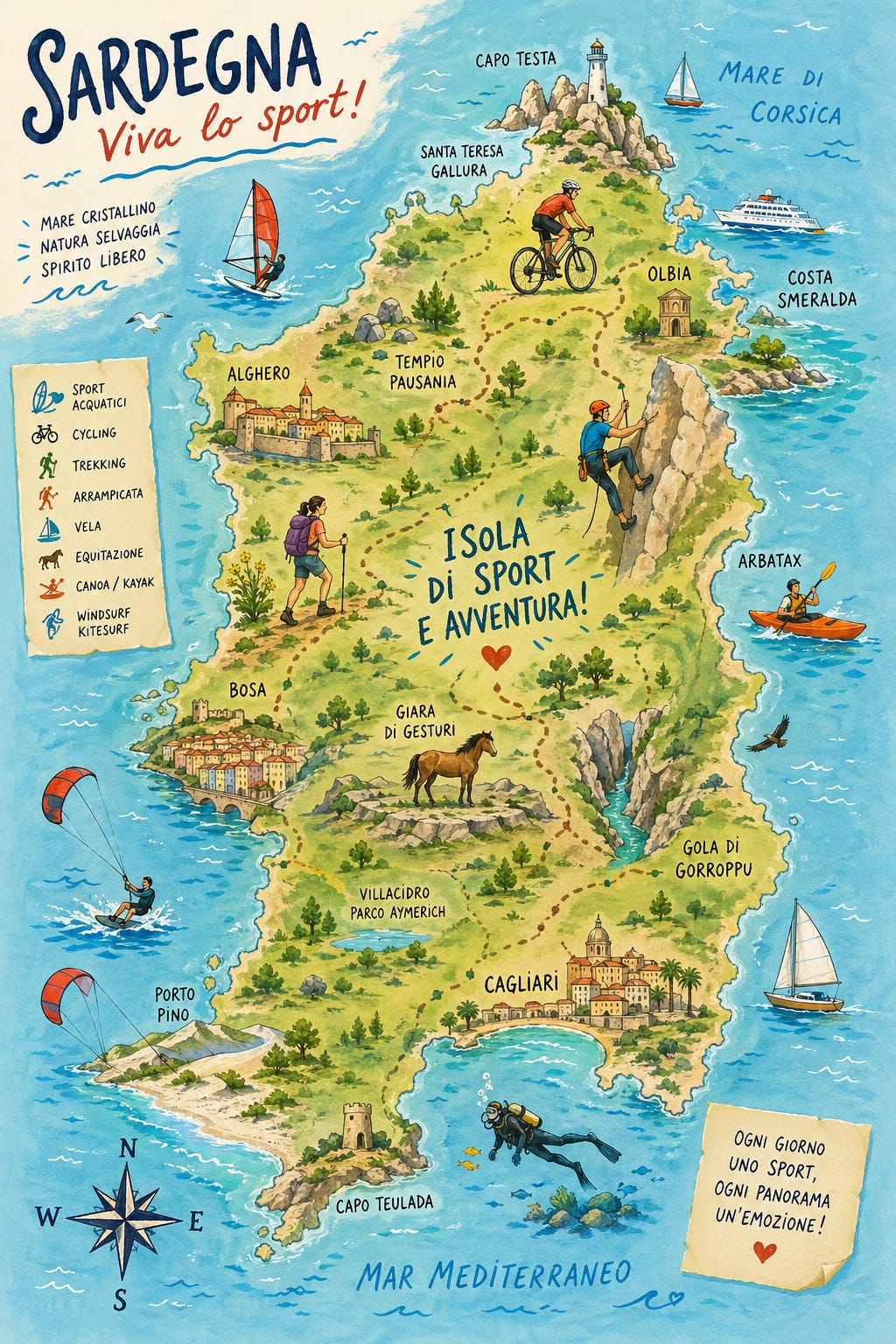
Amateur photograph of a family portrait, on the beach in Italy, amateur composition, candid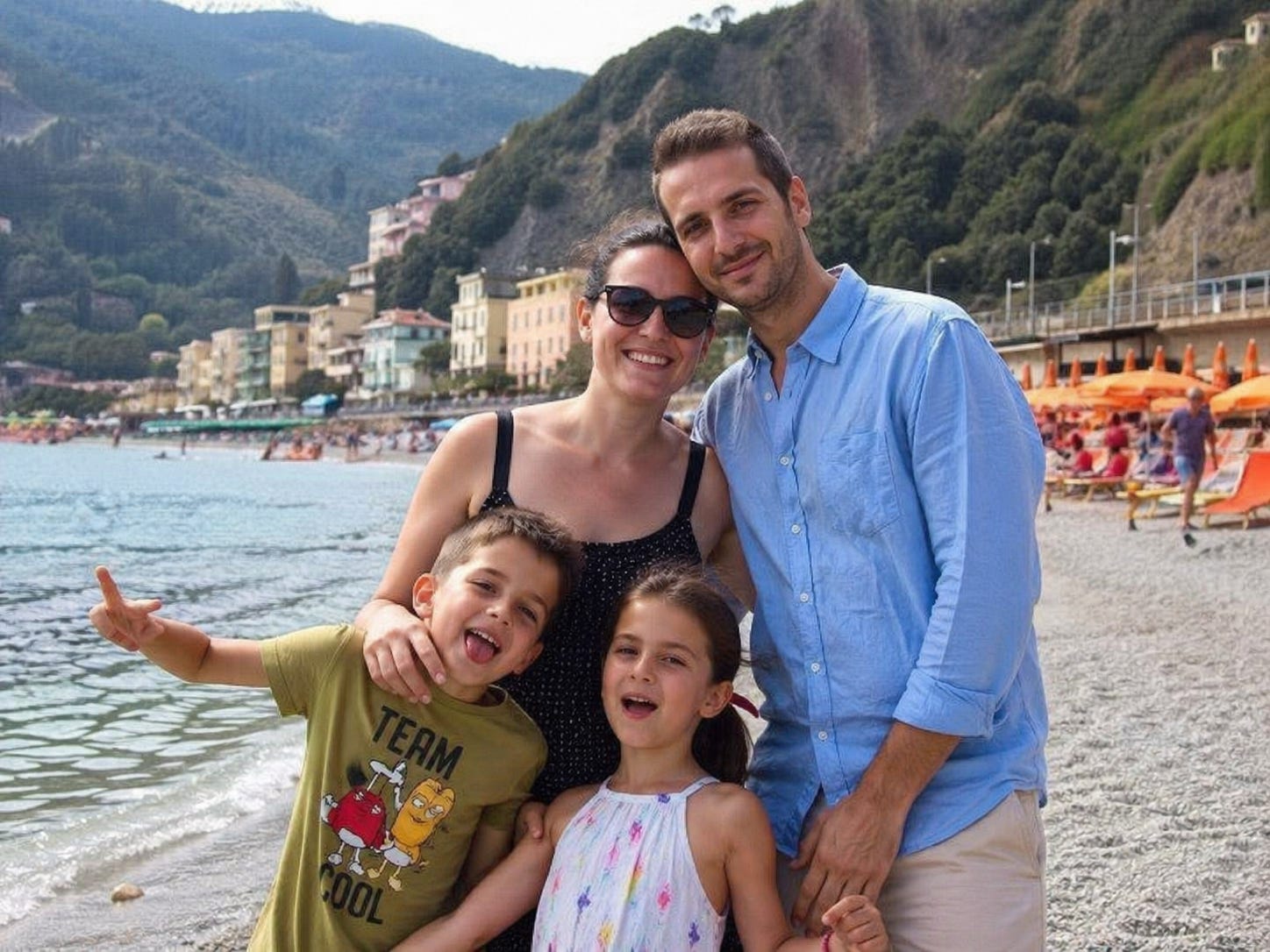
Design a full-page modern website homepage for a crochet courses platform.

Style: cozy, warm, soft, playful, handmade aesthetic. Feminine but not childish. Inspired by Scandinavian + Japanese calm design mixed with craft culture. Clean but emotional.

Visual direction:

Soft pastel color palette (peach, cream, sage green, dusty blue, warm beige)
Subtle paper texture background
Hand-drawn floral illustrations, small birds, yarn icons, hearts
Rounded cards, soft shadows, organic shapes
Slightly imperfect, handmade feeling (not too polished)
Editorial composition with strong hierarchy

Tone:

Warm, inviting, supportive
Focus on creativity, calmness, and joy
Feels like a safe, cozy space

Avoid:

Corporate SaaS look
Sharp edges or harsh colors
Overly trendy AI/glossy aesthetics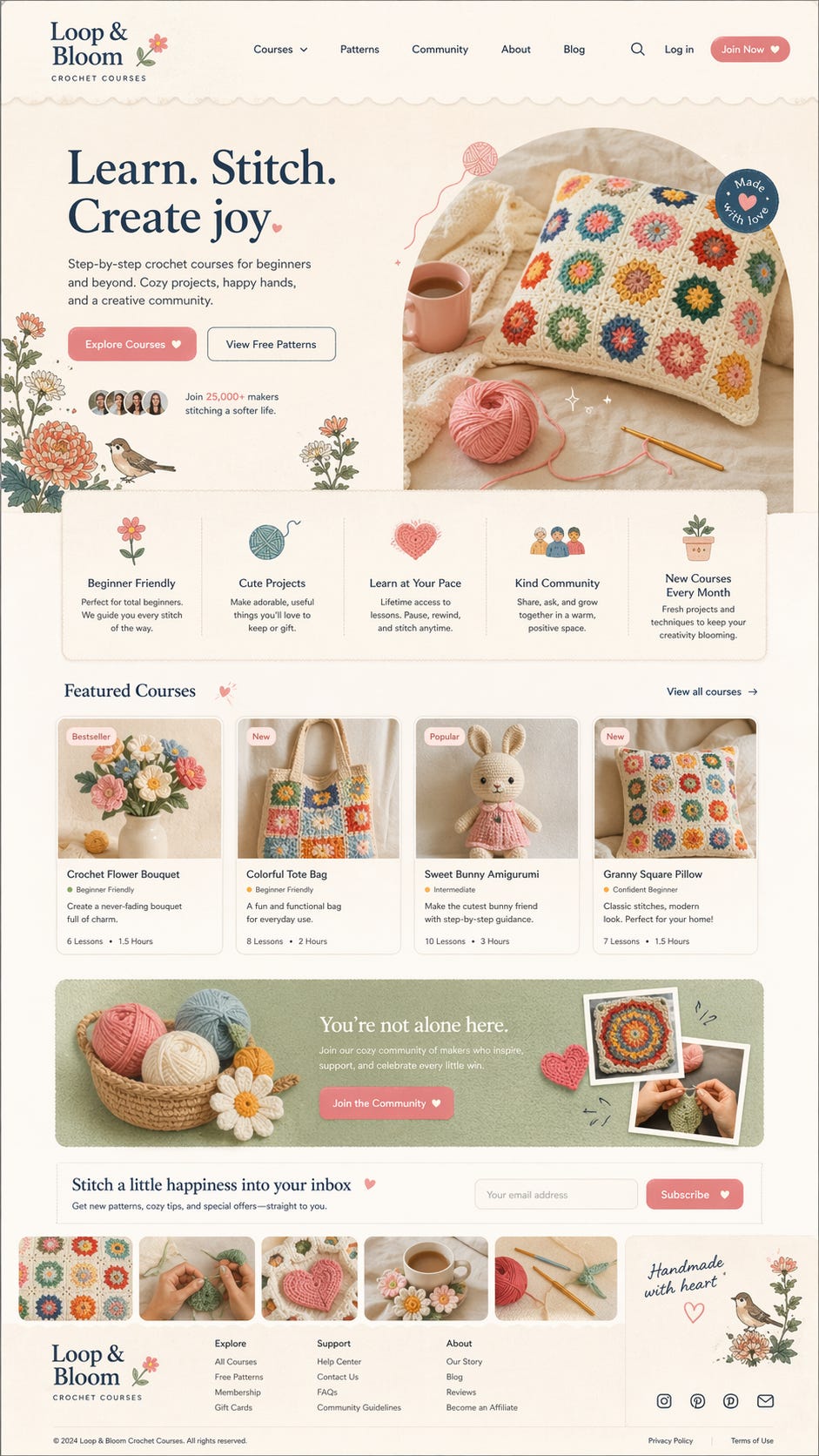

GPT 5.5
OpenAI shipped GPT 5.5 a few days later, and it is the first model of theirs I would put next to Opus 4.7 without flinching.
5.5 is a steep change in coding, and it is easy to talk to. That combination is rare. It is slower than Opus in response time. When the response does land, it is more detailed and more structured. Architecture overviews are better. It can work longer without interrupting to ask what you meant.
It is also a better writer than previous OpenAI models. And it does not just execute the task I gave it. It starts suggesting what might be smart to add or change next. That shift, from “assistant that replies” to “agent that nudges,” is the real story with 5.5.
Where 5.5 pulled the most weight this week:
Agentic knowledge work. This is the first OpenAI model that manages to be both a stellar senior engineer and a tool you can point at a spreadsheet, a research doc, or a rough brief. Crazy fast. Amazing inside the Codex desktop app.
Long-running tasks. Opus 4.7 still needs hand-holding every few steps on big jobs. 5.5 runs further on its own. During the testing week, much of my team switched from Claude Code to Codex on GPT 5.5 for exactly this reason.
Writing drafts that do not read like model output. The writing regression I keep hitting on 4.7 is not there on 5.5.
Where Opus 4.7 still wins:
Plan quality. Opus 4.7’s plans have sharper insight and better attention to detail. If the quality of the plan decides the quality of the build, Opus is still my pick.
Front-end and full-stack product work. 5.5 gets close. Opus is still a step ahead.
Vibe coding without a plan. 5.5 is a great vibe coder with a plan. Without one, it is worse than Opus.
The working split. Opus 4.7 for the plan and for design-heavy front-end work. GPT 5.5 inside Codex for long agentic runs, research reading, and writing drafts. I switch between them inside the same task now, which is a strange feeling after two years of running almost exclusively on Claude.
For design-system work specifically, the pairing I am settling into is: plan in Claude with Opus 4.7, execute long audits and front-end build in Codex with 5.5, back to Claude for the doc generation.
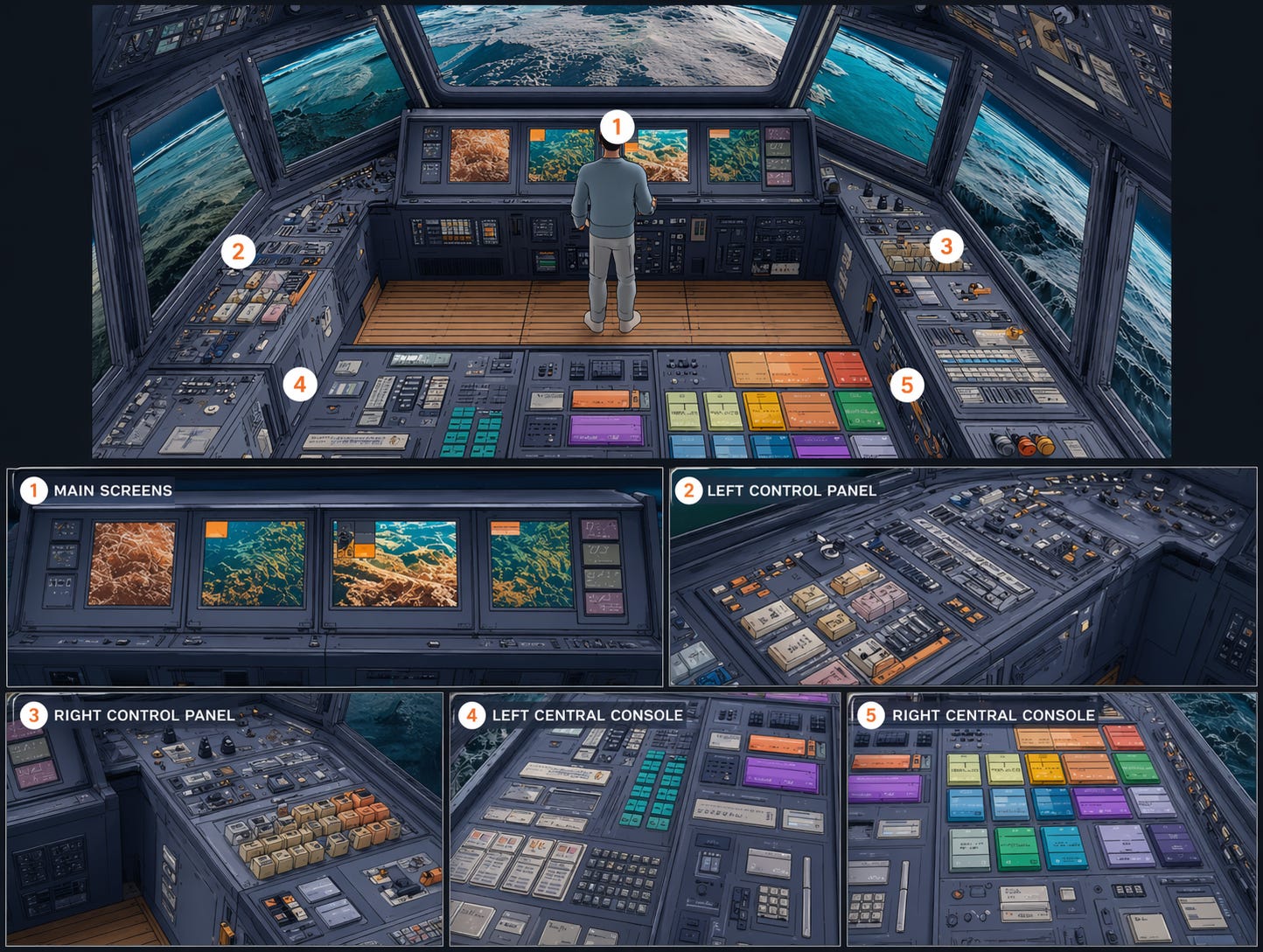
Image 2 inside Codex.
The pairing I did not expect. Image 2 running inside Codex reads a whole database quickly, and connects to plugins without the usual setup tax. For anything that spans a DB and a handful of integrated tools, this is already the fastest setup I have used this week. I am still figuring out what it means for design-system work specifically, but it is the combination I keep reaching for.
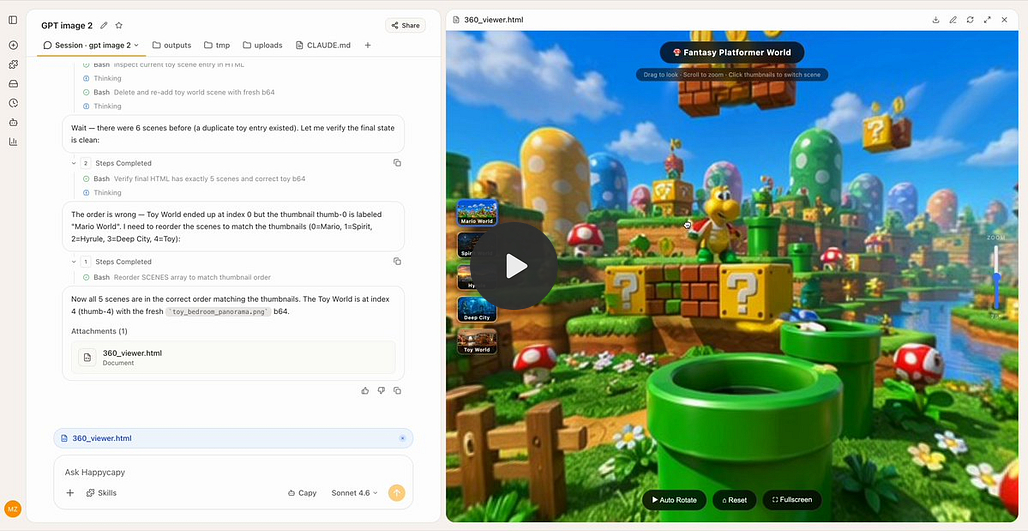
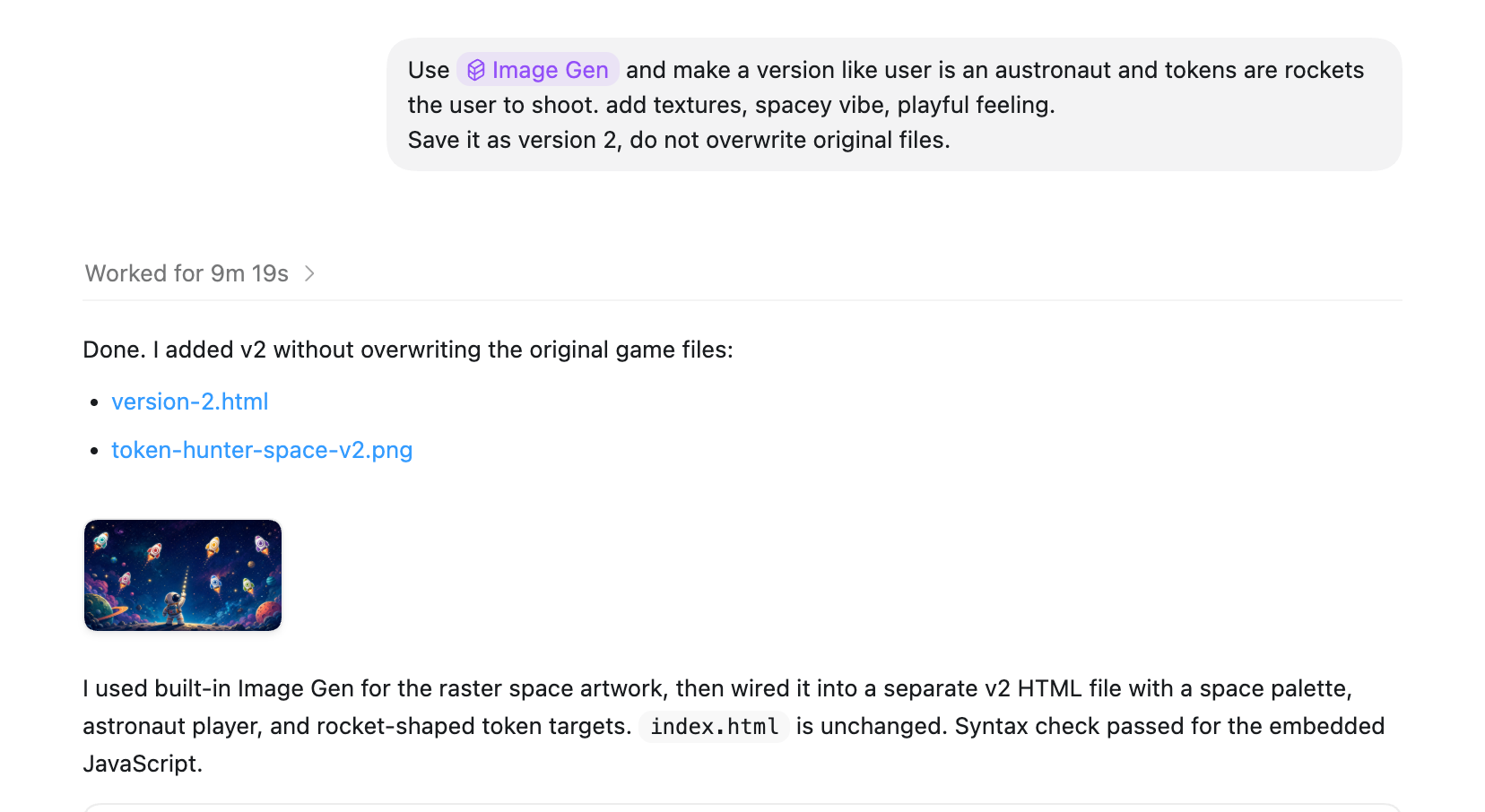
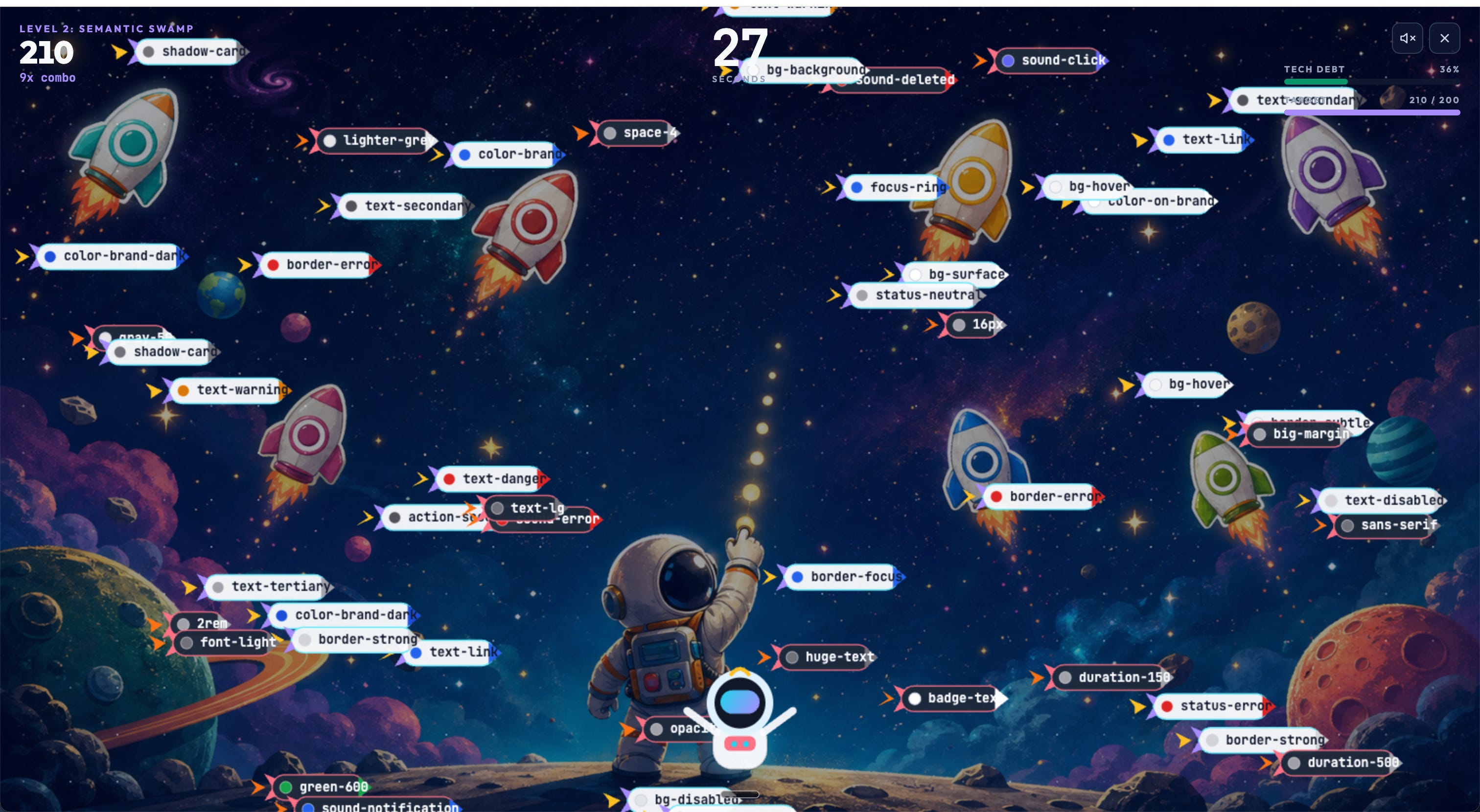
Then I tried and used my Token Hunter game and applied Image 2 capabilities in Codex.
80/20 rule
The same phrase kept coming up in every video and every blog post I read this week. The 90/10 rule. AI generates 90% of the artifact in minutes. The last 10% is a human making colors, copy, and hierarchy choices.
I would say it is closer to 80/20. And the 20 that is still on me is not just polish. It is foundations, tokens., components, strategy, written design decisions, knowledge graph.
That is the real shift. Not “AI replaces designers.” Not “Figma is dead.” Just: your design system moved one layer up. It is your infrastructure.
Happy experimenting, and let me know how it goes. 🙌
— If you enjoyed this post, please tap the Like button below 💛 This helps me see what you want to read. Thank you.
💎 Community Gems
OpenBridge design system (Lit-based web components) OPEN-SOURCED.
His Royal Highness Crown Prince Haakon and Prince Sverre Magnus of Norway officially launched a comprehensive, open-source code library for the maritime industry.
Kjetil Nordby : "By offering ready-to-use code, we are making it significantly cheaper and easier to adopt the standard for user-friendly, safety-critical design."
Kjetil Nordby and his team at the Oslo School of Architecture and Design spent eight years building it. 40+ industry, academic, and public partners.
Now you can easily create user-friendly OpenBridge 6.1 user interfaces for maritime and other industrial workplaces.
Thank you