
The Self-Healing Design System
Agentic Design Systems, part 3
👋 Get weekly insights, tools, and templates to help you build and scale design systems. More: Design Tokens Mastery Course / YouTube / My Linkedin
In Part 1 and 2, I made the case that design systems are the semantic layer that makes AI-assisted design possible. The understanding, not the code, is the asset.
Now let’s talk about the machinery AND the judgment calls. The architecture, the self-healing loop, what AI genuinely cannot do, and three phases you can start this week.
The architecture
This is the architecture I’ve built over the past year.
At the center: Claude Code as the orchestration layer. Connected via MCP to Figma (through my Tidy plugin), to GitHub, to Storybook, to PostHog (analytics) , to Granola (meeting notes), to Sentry for error monitoring, to the documentation layer, and to the Observatory dashboard.
👋 A note on tooling:
Claude Code is not the only option here. Because everything connects through MCP, the orchestration layer is swappable. I’ve tested Cursor, Codex, and other AI coding tools in this setup. I also run the same exercises across new models whenever they come out (Gemini, GPT 5.2 through 5.4, Llama, Mistral) to benchmark how they handle token naming, component composition, and system-level reasoning. Claude Code consistently delivered the best results for design system work, particularly in reasoning about component relationships and token semantics. But the architecture doesn’t lock you in. If a better tool shows up tomorrow, you swap the center, and everything else stays the same. That’s the point of building on a protocol, not a product.
The loop is:
Watch. Detect drift in tokens, components, and docs.
Analyze. Score severity, prioritize fixes.
Execute. Generate PRs, update docs, sync tokens.
Observe. Verify results and loop back.
But here’s the thing. This architecture only works because the foundation is solid. Without clean token naming, without component descriptions, without intent documentation, the agent has nothing meaningful to work with.
Six agents, each specialized
I built six agents on top of those MCP connections:
Each has clear boundaries. The Composer doesn't do health scoring. The Guardian doesn't write docs. Specialization matters because it keeps the agents focused and predictable.
The knowledge graph: how the agent knows what to assemble
Remember the destructive confirmation dialog from Part 2? The agent assembled Dialog + Alert + Button destructive. But how did it know THOSE three? How did it know that’s the right combination, and not Modal + Toast + Link?
Because of the knowledge graph.
Every tool knows something. But none knows everything. Here is the example:
The knowledge graph connects the dots. It knows Button destructive has been paired with Dialog in 6 existing patterns across production. It knows Alert warning appeared in 4 of those. It’s not guessing. It’s reading your system’s history.
Think of this as “smart defaults.” We provide the agent with preloaded context for each component combination. The agent doesn’t start from zero. It starts from your team’s accumulated decisions.
That’s the difference between an AI that generates components and an AI that understands your system.
And here’s the thing most people miss: the knowledge graph is not a database. Example below:
Tidy: the quality gate
Every AI tool I tried could generate components, but none could tell me whether the result was actually correct. Was the naming right? Were the tokens semantic or primitive? Did the component follow our conventions? I needed something that could answer those questions automatically, not after a manual review, but in the moment.
So I built Tidy: a Figma plugin and an MCP server. The plugin validates inside Figma. The MCP server lets AI agents do the same thing from the terminal. What started as a simple naming validator grew into over 100 tools that cover everything from token auditing to pattern composition to documentation generation.
Tidy has two faces:
The Figma Plugin audits naming, tokens, and components. Scores health across 6 categories. Validates new variables. Navigates to issues on the canvas.
The Agent Integration exposes 100+ tools via MCP. Create, alias, and batch-update tokens. Compose patterns from natural language. Run accessibility audits. Generate component specs. Check design-code parity. Run any Figma Plugin API from the CLI.
One command. Is color.bg.danger applied correctly? Is the naming consistent? Are the component descriptions present? Is auto-layout used? Full scan, instant feedback.
This is the quality gate before anything ships.
The evolution was important here. I started with static context files. Rules files, token definitions, and component templates that you feed to Cursor or Claude. It works. But every token change means a manual update. Every new component means editing the template. That friction is exactly what led me to build Tidy. A live connection to Figma instead of a static snapshot.
The Token Intent Validator: guardrails, not just components
Back to our dialog component. The agent composed it with color.bg.danger for the destructive button. But what if someone manually swaps that to color.bg.primary because it “looks nicer”?
The Token Intent Validator catches it. Red flag: primary token used in a destructive context. Intent mismatch.
It detects:
Raw hex colors used instead of tokens
Primitive tokens like
blue.500used directly in componentsStatus color misuse (danger in the wrong context)
Intent-property mismatches
And it’s context-aware. It knows the difference between a button in an alert versus a button in a card.
Design teams need to invest in guardrails. Not just components. Not just tokens. The rules that prevent your system from degrading over time.
Pattern composition: where everything converges
Pattern composition is where everything comes together. The agent acts as a Composer.
You say “create a login form” and it assembles the right components with the right variants and the right tokens. Input default, input password, button primary. It knows the composition because of the reasoning layer.
Now the payoff. Remember the destructive confirmation dialog? This is what the agent built:
Dialog container
Alert with warning slot
Button destructive for the action
Button secondary for cancel
color.bg.dangeron the actionSemantic color mapping
Auto-layout with proper spacing
The agent didn’t design this. It assembled it. From the index, the metadata, the reasoning, and the knowledge graph. Every layer we talked about converges here.
Four patterns. Four different intents. Same system. Same agent. Different outputs because the CONTEXT is different.
And one more thing: one command. I type generate-code Dialog in the terminal, and five files appear. The React component, the CSS module with design tokens, tests, Storybook stories, and a barrel export.
The self-healing loop
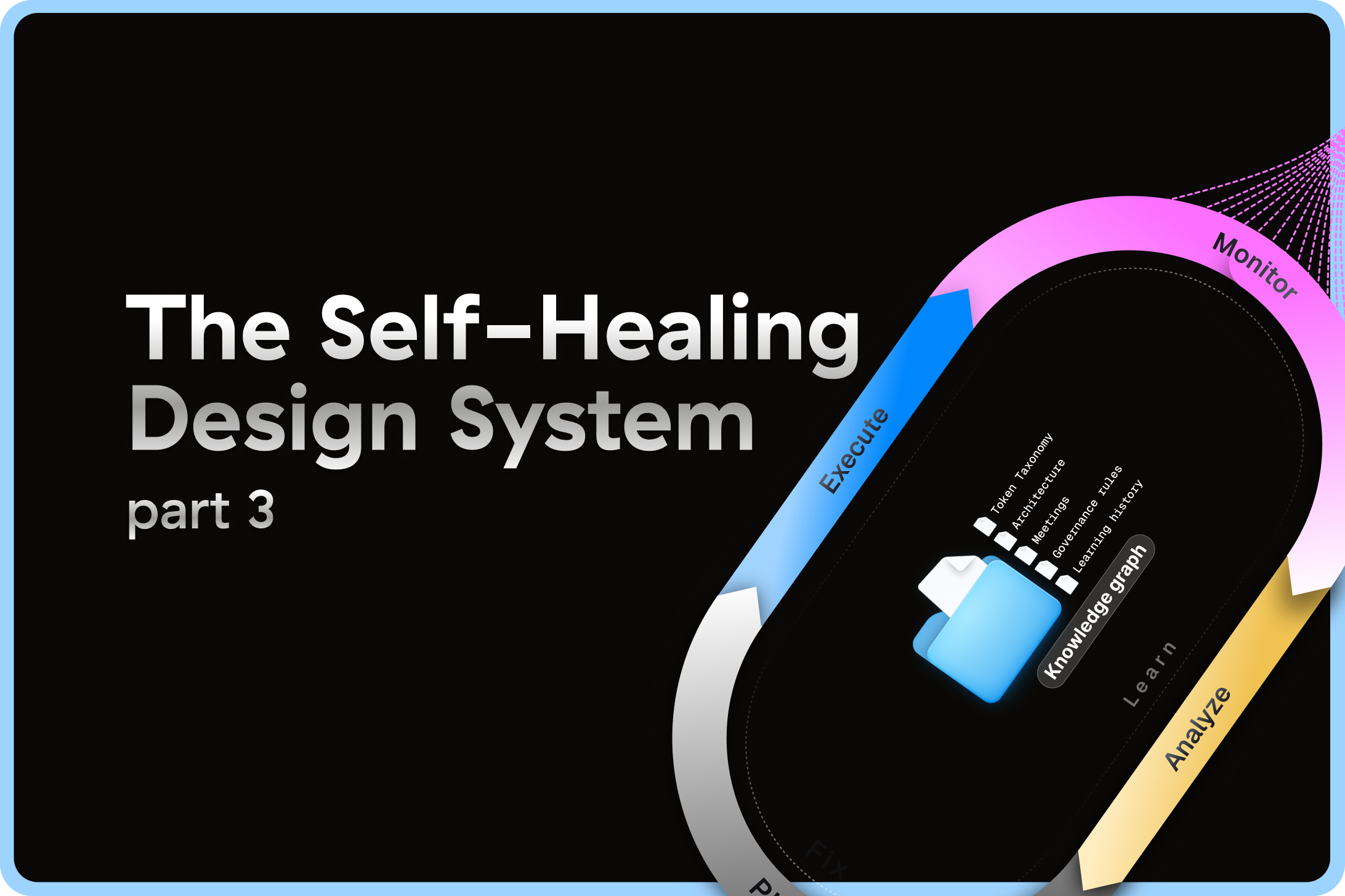
Self-healing systems are not a new idea. IBM published the MAPE-K control loop in 2003. Monitor, Analyze, Plan, Execute, with a shared Knowledge base in the center. It’s been running server farms and cloud platforms for over twenty years.
I just applied it to design systems.
Here’s what it looks like in practice. The destructive dialog shipped. A week later, a developer on another team needs the same pattern. But instead of using the composed version, they fork it. They hardcode #DC2626 instead of using color.bg.danger. They skip the cancel button.
The self-healing loop kicks in:
Detect. Tidy scans and finds a raw hex value in a dialog context. And a destructive action without a cancel pair.
Score. Observatory drops the health score from 96 to 84. Two violations, one structural.
Fix. Claude + Tidy MCP opens a PR. Replaces the hex with color.bg.danger. Adds the missing cancel button based on the component metadata that says “always paired with a cancel option.”
Verify. Re-run the audit. Health back to 96. Tests pass.
Learn. And here’s the important part. That fork taught the system something. It captured a new anti-pattern: “hardcoded red in dialog context.” Next time anyone tries the same shortcut, the agent flags it BEFORE review.
Every mistake makes the system smarter. That’s the flywheel.
Automated documentation
Documentation is the first thing that drifts. So I automated it.
Four triggers:
A variant gets added in Figma
A token alias changes
Health drops below threshold
A pattern gets promoted as canonical
Four outputs:
A changelog
A component spec with props and variants
Do/Don’t usage guidance
A migration plan when tokens are deprecated
No one has to remember to update the docs. The system does it.
I use Mintlify. I already wrote about this setup.
The Observatory: my dashboard
The Observatory is a dashboard that shows the health of your design system in real time. Token compliance, naming scores, component coverage, and drift over time.
This is what turns gut feeling into data. Instead of someone saying, “I think our system is getting messy,” you have a score.
Everything connects
Here’s the deeper truth behind everything I’ve shown you:
The Token Intent Validator encodes what tokens mean
Tidy’s 100+ tools encode what correct looks like. That becomes governance.
The Observatory encodes health over time. Component adoption, team usage, drift detection.
The knowledge graph connects data from tools. All queryable.
The learning flywheel captures every human correction and makes the next suggestion better.
Every tool is a seed. The tree is the context-aware design system.
It does not matter if you can hook up a CLI to Figma if you’re not implementing strategic work. Define your naming conventions. Write your component intent. Map your token relationships. Build the guardrails. Then point the agents at it.
And babysit every PR at the start. Review every suggestion. Correct every mistake. That’s how the agent learns your standards. Only some tasks will ever earn the right to merge automatically. The goal was never full autonomy. The goal is safe autonomy. The agent earns trust the same way a new team member does: by being right, consistently, over time.
Here’s what governed autonomy looks like in practice:
There’s an approval queue, an escalation queue, and a full audit log.
This is not about letting AI run wild. It’s about making governance programmable.
The trust level system
Every time you hand over decision-making to an agentic system, you’re giving up control. You want to make sure the agent has earned that trust.
The trust system works like a team member’s career progression:
But the level alone doesn’t decide what happens. Every action goes through a decision matrix:
Low risk, high confidence, trust level allows it? Auto-merge. Ship it.
Low risk, but confidence is low? Draft a PR and request review. Don’t guess.
High risk, any confidence? Always human review. No exceptions.
Unknown? The agent doesn’t pretend. It logs, learns, and suggests. That’s it.
That last row is the important one. The system knows what it doesn’t know. And when it doesn’t know, it watches. It doesn’t act.
What AI can’t do at the moment
Not everything is perfect. I think it’s important to be honest about what doesn’t work, because the hype around AI agents can set the wrong expectations.
AI can fix:
Naming violations
Token inconsistencies
Structural issues (missing auto-layout, wrong nesting)
Documentation generation
Repetitive auditing
AI cannot fix taste.
Here’s what doesn’t work yet:
Novel problems are still yours.
Multi-file awareness across repos isn’t there yet.
Cross-team conflict resolution needs a human.
Full autonomy is graduated. Most tasks stay at Level 2 or 3.
But there is something important to know.
When a human expert fails, they come back with a reason. They own the mistake. They explain what went wrong. They adjust. With agents, 25 failures land on your desk, and none of them come with insight. No ownership, no explanation, no learning. And if nobody is reviewing those failures, nobody takes responsibility. That’s still your job.
No matter what, you have to try. Start small, observe what works, throw away what doesn’t. Every correction teaches. Every rejection refines. That’s the flywheel. But invest in guardrails, not just components. Without clear vision, the flywheel just spins faster in the wrong direction.
Stay tuned for more. 🙌
Happy Easter. 😍
— If you enjoyed this post, please tap the Like button below 💛 This helps me see what you want to read. Thank you.
💎 Community Gems
Product in the Age of AI: Designers on How Their Role Is Changing from Ileana
(I described my workflow and opinions)
🔗 Link


