


👋 Get weekly insights, tools, and templates to help you build and scale design systems. More: Design Tokens Mastery Course / YouTube / My Linkedin
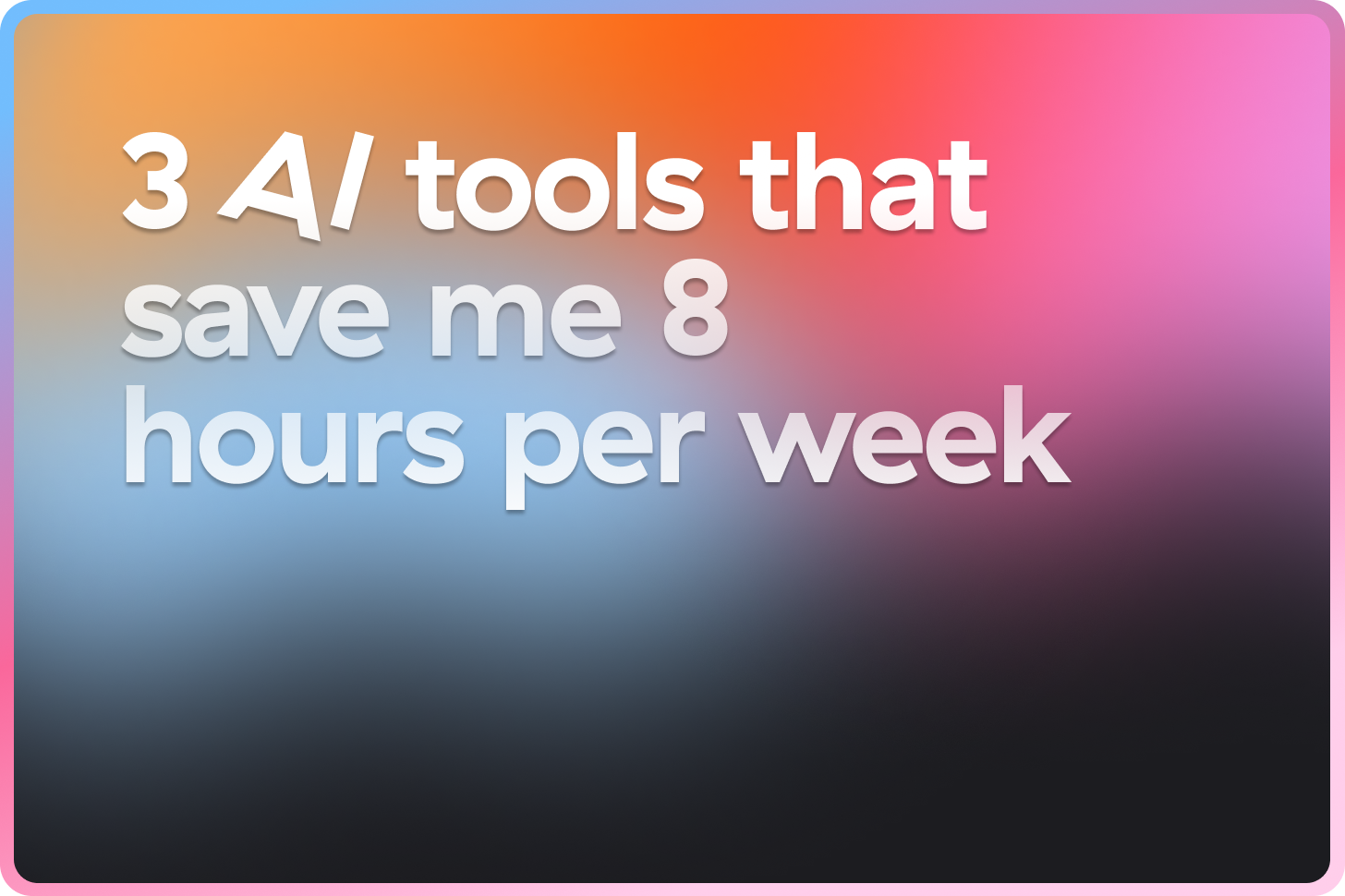
1. Gamma for presentations
Raise your hand if you love doing presentations? Haha, I thought so. I always think each presentation takes up half my year. Gamma app flipped this completely.

What makes Gamma different
Gamma learned from patterns across millions of decks to understand what makes great presentations work. They use 20+ models powering different parts of the product. The result: you’re not just generating slides, you’re building on top of what actually works.
Here is my example of a presentation on Design Token Naming Conventions. I wrote only three sentences, and Gamma gave me a 10-slide deck in 90 seconds.
I got 85% finished presentation. I spent 20 minutes refining, rather than 4 hours building from scratch.

My favourite features
Responsive by default. This one is wild! Every presentation works on desktops, tablets, and mobile devices.
Generate images and assets in any style. You can easily create new assets/images directly in Gamma with the help of AI.
Prompt guide with 100 optimized prompts. When you’re stuck, the curated prompt collection helps you get better results. Copy, paste, create. Explore here (it’s free) →
JSON templates. For design system teams, this matters. Create reusable templates that maintain consistency across all your presentations.
Embeds. You can embed many apps. 😅 A short glimpse:

Real-time collaboration. Stakeholders can comment directly on slides.
API integrations. This is where Gamma gets powerful for automation. I built a workflow that takes Google Docs and automatically generates presentations. In this case you need n8n app.
Example 1: Google Doc triggers n8n, extracts the text, sends it to Gamma’s API, and I get a presentation link in Slack.

Example 2:
Creating proposals with n8n + Gamma example 👇
Create a JSON template, connect it to your apps (Google Docs/Sheets, Gamma), and have it automatically generate proposals based on customer questions. If you are not familiar with n8n or JSON, you can grab a starter JSON template and customize it to your needs.

Other automations worth exploring:
n8n + Synthesia + ElevenLabs + Gamma (video presentations)
Zapier + Sheets + Claude + Gamma (data-driven decks)
Airtable + Claude + Gamma (project updates)
Linear + Claude + Gamma (sprint reviews)
When to use Gamma
Presentations and proposals
Design review decks
Component documentation for non-designers (easy to access, since it is responsive by default)
Quick concept explorations you need to share fast
Making it yours
The first output won’t match your brand perfectly. Here’s how to refine it:
Create your own theme. Set your brand colors, fonts, and styles once. Every new presentation starts on-brand.
Regenerate images with AI. Describe what you want instead. Gamma creates new visuals that fit your content.
Update the design as you go. Change layouts, swap sections, adjust spacing. The AI suggestions adapt to your edits.
Try it, it is waaaay faster than starting from scratch.
Gamma’s branding is unique
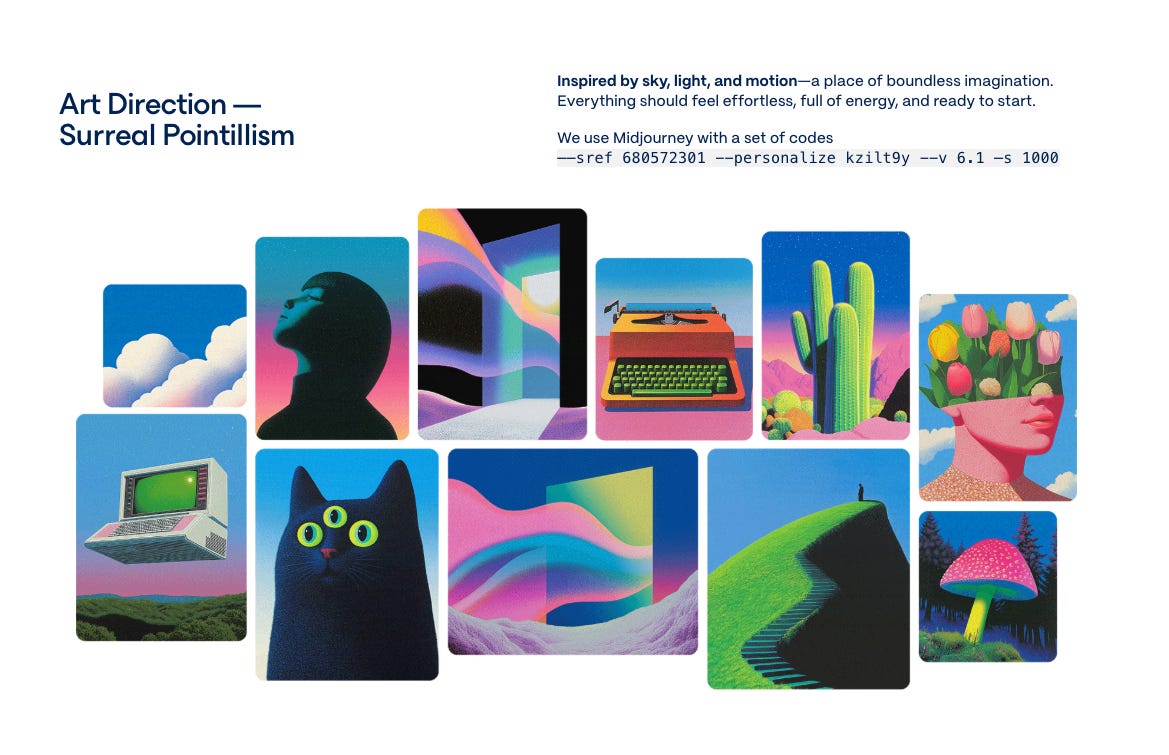
They outsourced the whole branding experience. You can even use their Midjourney prompts. 🤩
2. Google AI Studio for prototypes with the newest Gemini 3.0 model
There are plenty of options now: Bolt, Lovable, v0, Replit. I’ve tried them all. Here’s how Google AI Studio is different:
Free. No credits to buy, no subscription required. The daily quota (25-100 requests) is enough for real exploration.
Annotation mode. AI Studio lets you point at elements and say what to change.
Gemini models built in. You’re working with the latest Gemini models without configuration.
No vendor lock-in. Deploy to GitHub, download your code, take it anywhere.
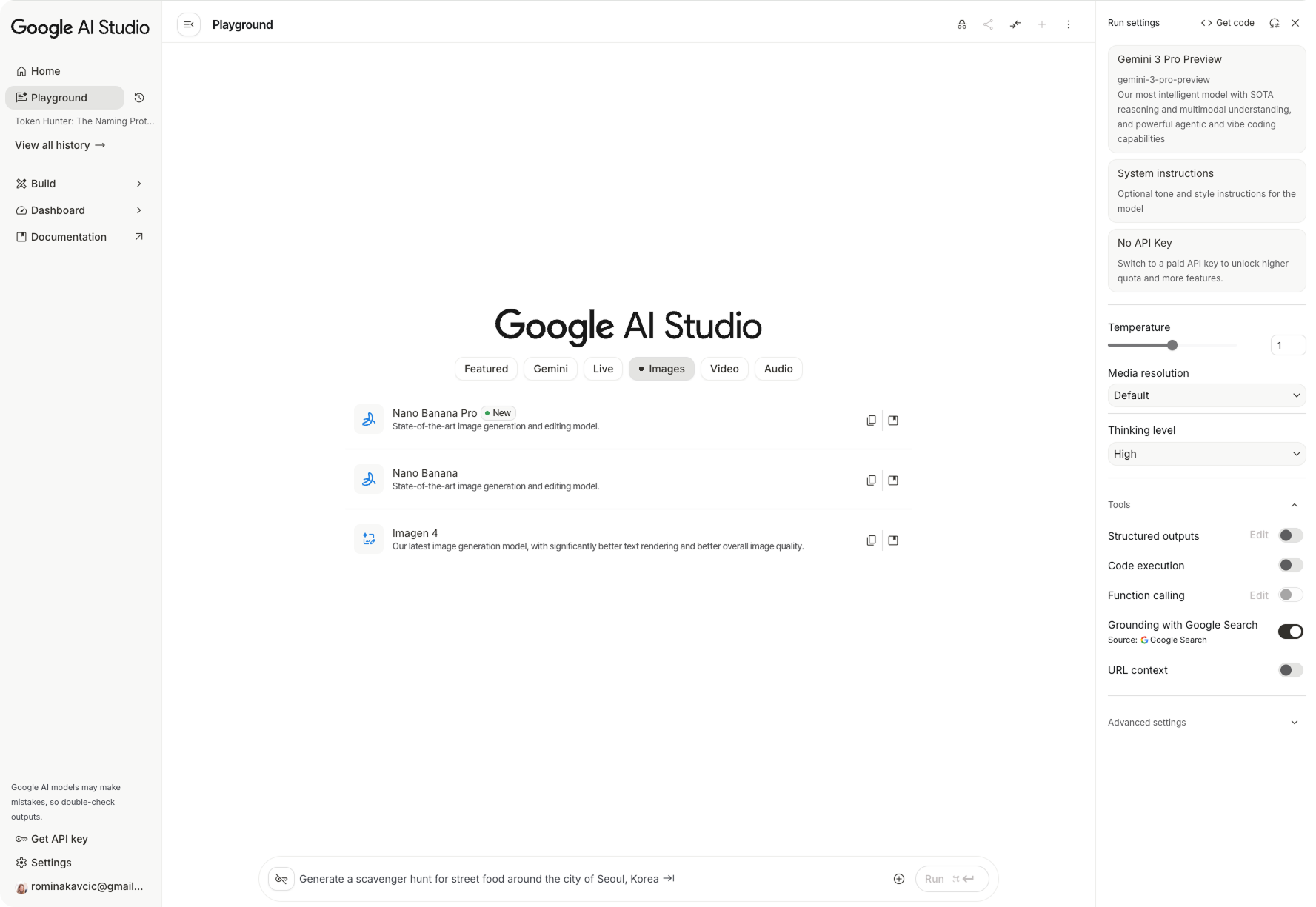
🚨 You should not compare AI Studio with Claude Code or Cursor. Those tools understand your entire codebase, manage dependencies, and handle complex multi-file projects. AI Studio is simpler. But that’s the point. You open a browser, type a prompt, and have something to show in 5 minutes. No setup, no configuration, no learning curve. For designers who want to validate ideas before involving engineering, a low barrier is more important than powerful features.
How I actually use it
I describe what I want to build: “a design token management dashboard with sidebar navigation, search, and a table showing token values.” AI Studio generates a working a functional prototype I can click through and share.
The generated app isn’t production-ready, but I can test 10 ideas in the time it used to take to sketch one.
When to use it
Early validation before committing to a direction
Functional prototypes for stakeholder buy-in
Testing interactions that static mockups can’t show
Quick demos when “let me show you what I mean” beats explaining
Time saved: 3-4 hours per prototype (compared to Figma)
Bonus: Nano Banana for quick mockups
One more tool worth mentioning: Nano Banana, Google’s image-generation model available via Gemini.
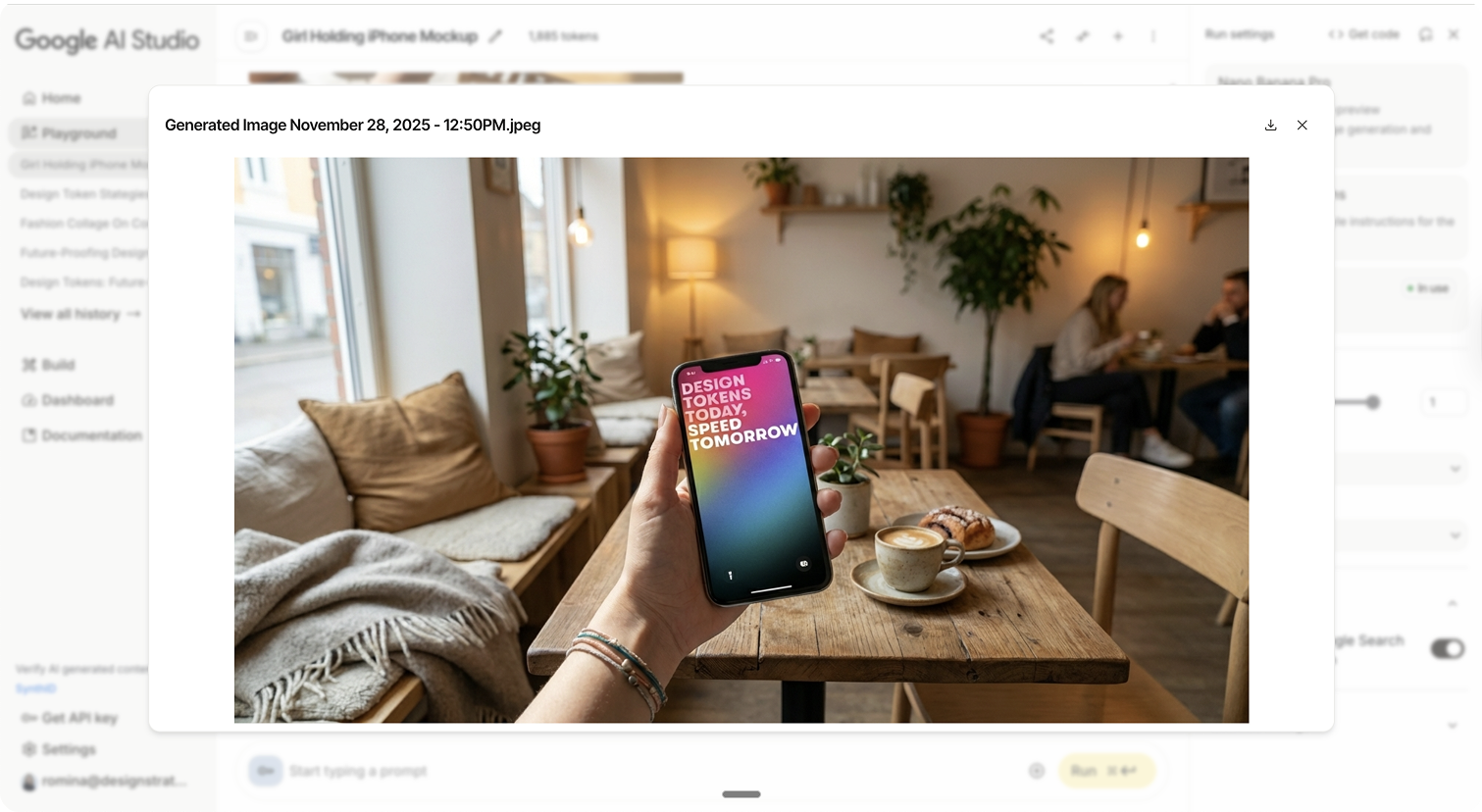
I use it for quick visual mockups when I need to show an idea but don’t want to open Figma. Describe a mobile app screen, and get a realistic UI mockup. Describe a product shot, get something good enough for a presentation placeholder.
My prompt: “Mockup with woman holding her iPhone with my attached wallpaper in a cosy, Scandinavian coffee shop.”
3. Jitter for motion
Static designs lie. They can’t show you what a loading state feels like after 3 seconds. They can’t demonstrate whether a transition is too fast or too slow. They can’t prove that your micro-interaction actually delights users.
Jitter bridges that gap without requiring After Effects expertise.
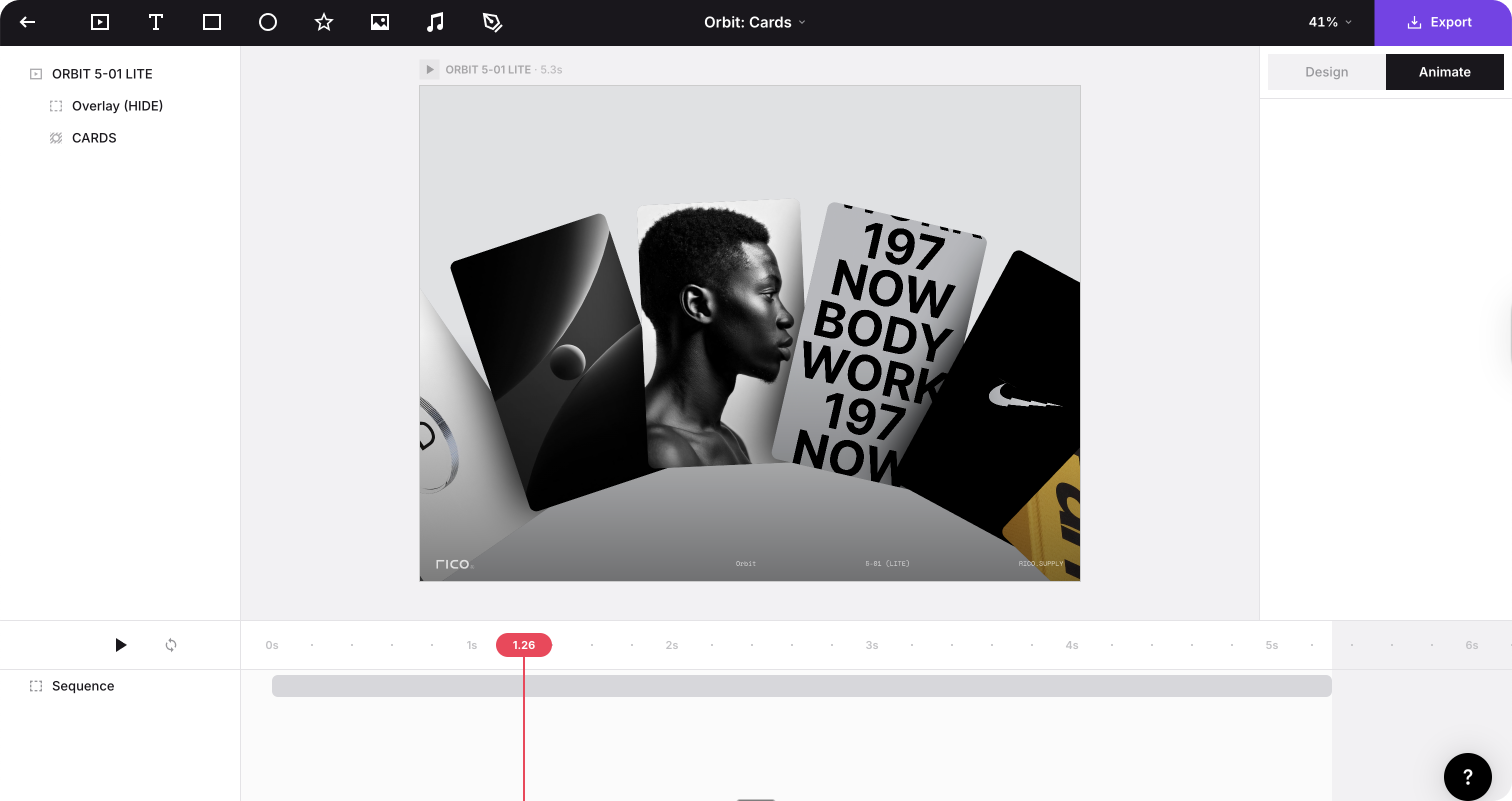
Jitter has a Figma plugin with over 420K users. One click imports your Figma designs with layers intact. You animate your actual components, not recreations.
The animation model is different from traditional tools. Instead of keyframes, you tell layers what to do. “Fade in from the left over 0.3 seconds.” “Scale up on hover.” It’s closer to writing CSS transitions than wrestling with timelines.
What you can do
Component state transitions. I animated our button’s hover, active, and disabled states in Jitter. Exported to Lottie. Developers implemented it in 10 minutes. No back-and-forth about timing or easing.
Loading patterns. Our skeleton loader animation started as a Figma component. Jitter turned it into a production Lottie. The same animation runs on the web and mobile.
Onboarding flows. Way easier to show than tell.
The export options
Lottie export. This is the killer feature for design systems. Lottie files are lightweight, scalable, and work everywhere. Your animated loading spinner exports as JSON that developers can implement directly. No video files. No GIFs. Production-ready animations.
4K video at 120fps. When you need to show animations in presentations or documentation, the quality is there. MP4, ProRes, or WebM.
GIF for quick sharing. Yep, possible and easy.
The learning curve
Jitter is genuinely easy if you’ve used any animation tool before. If you haven’t, expect a few hours to feel comfortable. The template library (300+ free templates) helps you learn by example.
When to use it
Micro-interactions that need to feel right before development
Animated assets for design systems (loaders, transitions, icons)
Motion specs that developers can actually implement
Presentation animations that show, not tell
Time saved: At least 1-2 hours per animation, plus reduced developer back-and-forth
Start with one
Don’t adopt all three at once. Pick the bottleneck that costs you the most time:
If presentations drain your energy: Start with Gamma. One presentation will show you the value.
If validation takes too long: Start with Google AI Studio. Build a working prototype of your next idea in 15 minutes.
If the motion handoff is painful: start with Jitter. Animate one component, export to Lottie, and see how developers respond.
The tools that stick are the ones that solve real problems you have today.
Enjoy creating, ⚡️
Romina
— If you enjoyed this post, please tap the Like button below 💛 This helps me see what you want to read. Thank you.
💎 Community Gems
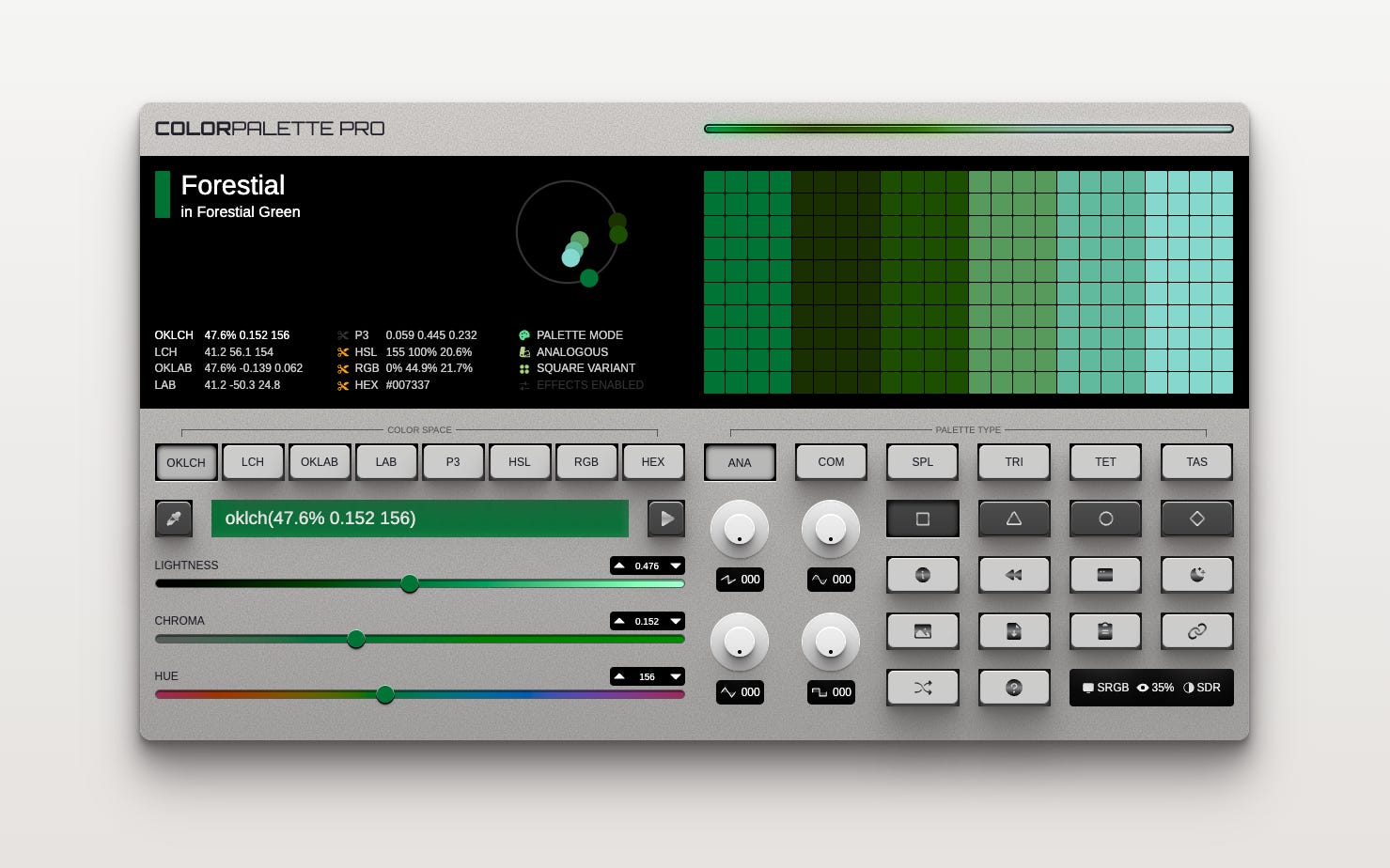
Color Palette Synthesizer (discovered via David Aerne)
My god, it is amazing. 😍
🔗 Link
📹 Why You Will Not Be Replaced By AI
by Smashing Magazine / Vitaly Friedman
🔗 Link
Simple Design System with Extended Collections
by Luis Ouriach
🔗 Link
✨ A handy tool here if you want to print grids, dot-grids, and even isomorphic grids.
🔗 Link
Token Hunter Game for your weekend fun
I had some fun building this game. It is educational, and you need to go through levels where Level 1 is choosing primitive design tokens, and then it gets harder and harder 🙃
🔗 Link